What Is a Warehouse Management System (WMS)? How It Works and How to Choose One
A warehouse management system (WMS) is software that controls every step of warehouse work, from receiving and put-away to picking, packing and shipping, and knows exactly where each item is. This guide explains how a WMS works, what it does better than spreadsheets or basic inventory tools, and how to choose one.

Short answer: A WMS (Warehouse Management System) records every stock movement at the level of the storage location, lot and expiry date, not just total quantity. Staff confirm each receipt, move, pick and shipment by scanning, so the system always knows where each item is and which lot should ship first. The result is more accurate stock, faster picking and fewer shipping errors.
- 14 years
- No. 1 cloud WMS market share in Japan (FY2011–FY2024)
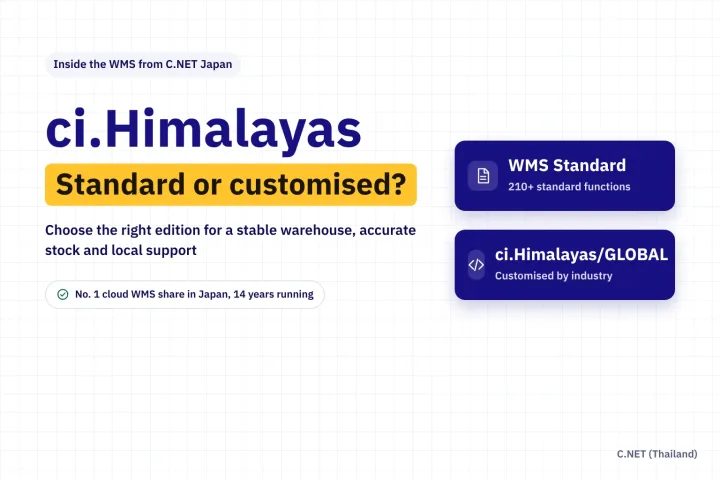
- 210+
- Standard functions in ci.Himalayas/GLOBAL (R2)
- 1992
- C.NET Group founded in Japan
- 2015
- C.NET (Thailand) established in Bangkok
Market share source: Deloitte Tohmatsu MIC Research Institute, Smart Logistics Solutions (2025 edition).
How does a WMS work?
Receiving
Check goods against the expected receipt and record quantity, lot and expiry.
Put-away
The system suggests a location; staff scan the location to confirm.
Inventory control
Real-time stock by location, cycle counts, and alerts for expiry or low stock.
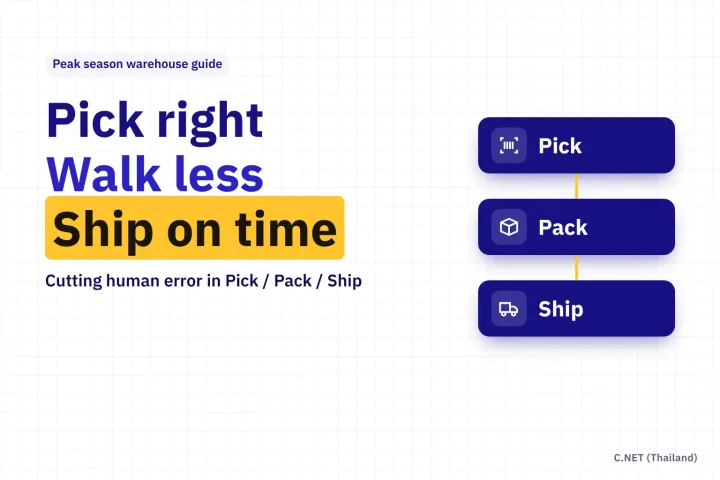
Picking
Pick lists are sorted by route, and lots are chosen automatically by FIFO or FEFO.
Checking and packing
Every item is scanned against the order before the carton is closed.
Shipping and reporting
Shipping documents are issued and results are sent back to sales or ERP systems.
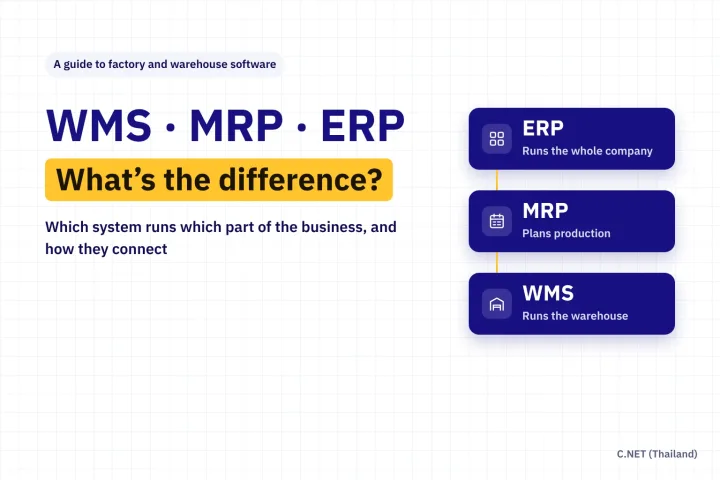
WMS vs inventory software vs ERP
| System | Main question it answers | Level of detail |
|---|---|---|
| Inventory software | How much stock do we have? | Total per item or per warehouse |
| WMS | Where is it, who picks it, which lot ships first? | Location, lot, expiry and task level |
| ERP | How do we sell, buy, produce and account? | Company-wide, financial |
Benefits and limits
Accurate stock
Every movement is scanned, so the record matches the shelf.
Faster picking
Known locations and route-sorted pick lists cut walking and searching.
Fewer shipping errors
Items are verified before packing.
Lot and expiry control
The right lot ships first and customer shelf-life rules can be enforced.
A WMS still needs clean master data, disciplined scanning, staff training, a reliable network in the warehouse, and an ongoing budget for service and devices.
How to choose a WMS
- Start from the problems you need to fix, not a feature count
- Check it fits your volume today and in 3–5 years
- Decide between cloud and on-premises
- Confirm how it connects to your ERP, accounting or marketplaces
- Ask for a demo using your own products and orders
- Check local support, language and implementation time
ci.Himalayas from C.NET Thailand
| ci.Himalayas/GLOBAL (R2) | |
|---|---|
| Best for | Any size or industry: 3PL, manufacturing, retail and e-commerce, B2B and B2C |
| Standard functions | 210+, from receiving to stocktaking and storage billing |
| Languages | Thai, English, Japanese, Chinese, Indonesian, Myanmar |
| Integration | ERP and accounting via API or FTP; handhelds, DAS, GAS, DPS |
| Go-live | About two weeks with standard functions and master data ready |
| Customisation | Item by item, e.g. screen look, colours, document formats, specific steps |
FAQ: warehouse management systems
What does WMS stand for?
WMS stands for Warehouse Management System, software that controls receiving, storage, picking, packing and shipping in a warehouse.
Can small businesses use a WMS?
Yes. A cloud WMS needs no server investment, and you can start with the standard functions and add more as you grow. ci.Himalayas/GLOBAL (R2) is quoted by scope, and our team can demonstrate it with your own products and workflow.
How long does implementation take?
It depends on scope and data readiness. ci.Himalayas/GLOBAL (R2) can go live in about two weeks using standard functions with master data prepared; customisation adds time according to its scope.
Is a WMS the same as ERP?
No. ERP manages company-wide sales, purchasing and accounting; a WMS controls the physical work inside the warehouse. Most growing companies use both and connect them.
Updated October 2026 by C.NET (Thailand)